How to track social media performance on Google via Search Console
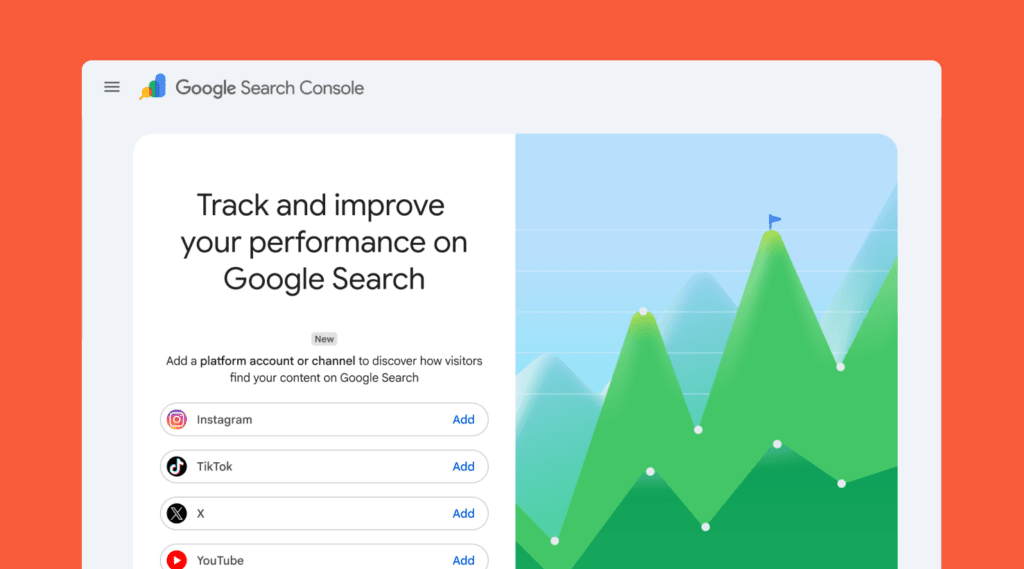
Google brings the worlds of social media and traditional search engine optimization closer together thanks to tracking social media performance on Google. With the introduction of platform properties in Search Console, you can measure the organic performance of your social channels directly within Google search results. Whether you share videos on YouTube or publish short content on TikTok, data is collected centrally. This gives you a complete picture of how your content reaches consumers through the search engine.
Connecting Google Search Console with social channels
The unique thing about this update is that you do not need your own website to use the analytics tool. In the past, the software was exclusively designed for website owners who wanted to monitor their organic visibility. Today, creators and brands focusing purely on social channels can set up their own dashboard. Google indexes social media content with growing intensity because consumers use these platforms more frequently to find information. The update aligns with this changing search behavior and makes results transparent.
View performance and organic search terms of your social posts
As soon as the connection with your profile becomes active, the performance report displays the total number of impressions and clicks to your channels. You discover the exact search terms people use in Google before arriving at your specific posts. The system also provides insight into the average position of your posts within search results.
Alongside the standard statistics, the dashboard offers an overview of trends covering the past twenty-eight days. You instantly see which content performs best and how overall growth develops. Google processes interactions in a specific way. An indexed post in the search results counts as an impression, and a click is registered immediately. This principle applies to videos appearing in Discover or Google News. Even if a video plays within the built-in Google viewer, the system counts it as a click.
How to start tracking social media performance on Google
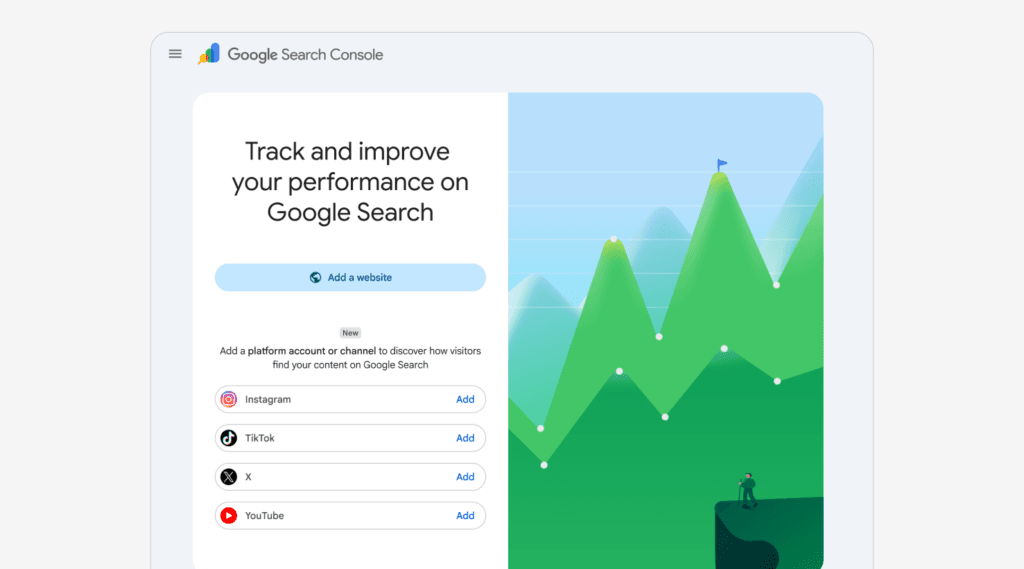
Configuring the new feature happens through the Search Console dashboard. You navigate to the menu for adding a new property, where you can now select platforms alongside traditional website options. In the list of options, you choose the desired network and follow the instructions to authorize the connection. More information can be found here.
Setting up your platform property
To track your content’s performance on supported platforms, you must add it as a property in your Search Console account.
- Go to the Search Console welcome screen to add a property, or open the property selector dropdown in the sidebar and click Add property.
- Click Add next to the platform you want to add from the list of supported options and follow the prompts.
- Once ownership is verified, you’ll see a confirmation message. Click Go to property to complete setup. It will take a few days for data to appear in the reports.
If you have accounts across multiple platforms (like Instagram, TikTok, and X), or manage more than one profile on a single platform, be sure to repeat this process to create a platform property for each one.
Following successful verification, it usually takes a few days before the first graphs display data. The connection is checked regularly to guarantee security. When a login session from an external platform expires, data collection stops temporarily until you restore the connection manually.
The impact of social media captions on your SEO strategy
This change forces brands to look more critically at the texts accompanying their videos and images. The descriptions and captions you write now have a direct influence on your visibility in Google. By incorporating strategically relevant keywords into your social posts, you increase the chance that your content appears at the top of search results. This turns social media optimization into a permanent part of your marketing approach. You can contrast the organic results of your website directly with the performance of your social channels in one clear overview.
The rollout of these new reports happens gradually, meaning the option might not be available in every account yet. It is wise to monitor your dashboard over the coming weeks and activate the connections as soon as possible. By starting to optimize your captions now, you profit from an immediate advantage when data starts flowing into your account.
In my comprehensive startup launch guide, I already shared why Search Console forms the absolute foundation of your online visibility, and this new update makes your organic marketing strategy complete.
Connecting your search data to your brand strategy
Tracking your data through Search Console gives you clear numbers, but data only reveals part of the equation. Knowing how people find your social media posts is highly valuable. You also need to ensure that what they experience once they find you reflects your actual business identity. This is why I built Brand Clarity, a practical brand strategy framework designed to help founders build a cohesive online presence without getting lost in endless theory.
In Chapter 6 of the framework, the focus lands entirely on mapping out touchpoints and customer journeys. When social media serves as your primary channel, it cannot operate as an isolated space for random updates. It needs to communicate the exact same message as the rest of your operations. If your current content feels disconnected or you find yourself guessing what to write next, establishing a clear strategic foundation comes first.
